
Wix Classic to Wix Studio: the complete migration guide

Wix calls it the Wix Editor. Most people call it Wix Classic. Either way there are two routes into Studio, and Wix documents them in separate articles that never mention each other. This page explains which one applies to you, what each carries across, and what the move actually costs.

  • Two routes, explained
  • 35+ pages carried for Bel'Istria
  • No ranking positions lost in 30 days

Wix Classic to Wix Studio at a glance

The short answers, before the detail. Every one of these is expanded further down the page.

Can the design be converted?
No. Wix states the design is not carried over on either route, so the site is rebuilt visually.
What comes with you
On a Studio branch: the dashboard, so products and contacts are already there. On a fresh build: whatever you export.
What happens to your URLs
They can stay exactly as they are. Neither editor imposes a path structure, so redirects are usually optional.
What it costs
From €1,750 for the work, plus a Wix Studio plan. Remaining Premium value is credited pro rata.
How long it takes
Two to five weeks, plus 30 days of index monitoring after launch.
DIY difficulty
Medium. The build is approachable; the URL mapping and metadata transfer are where people lose traffic.

What you get on Wix Studio

Studio is a different product, not a newer editor. These are the capabilities that make the rebuild worth paying for, and they're the reason to move rather than the fact that it's newer.

One layout instead of two

Studio lays out with responsive grids and breakpoints, so a page adapts to any screen. Classic maintains a separate mobile view that drifts out of sync, and every fix gets made twice.

Pages that build themselves

Model services, locations, properties or team members as CMS collections and the twentieth page costs what the second did. Classic builds each one by hand.

Change once, change everywhere

Global text themes, colour and spacing mean a brand update propagates across the site instead of being repeated page by page.

Your team can publish

Studio supports multiple editors with real roles and permissions, so adding a case study stops being a ticket for whoever built the site.

Room to grow custom

Dev mode gives you a proper code environment with npm packages, so the site can grow features rather than hitting a ceiling and needing another platform move.

SEO controls without a plugin stack

Metadata, redirects and structured data are managed natively, including bulk redirect import, rather than assembled from third-party tools.

Why hand this one over

The parts that cost people money on this move aren't the build. They're the URL inventory nobody took, the metadata that launched empty, and the members list discovered two weeks before cutover, and we check all three before anything gets built.

Bel'Istria website
257%
YoY impressions
35+
Pages migrated
Bel'IstriaTravel & hospitality

Crafting an immersive Croatia private transfer and travel booking experience in Wix Studio

AI-first migration from Wix Classic. 70+ pages ranking, top spot in AI answers.

Our collaboration on redesigning Bel'Istria was the beginning of a long-term partnership. Their composure and communication exceeded all standards.
Ivan BelobrajdicIvan BelobrajdicDirector - Bel'Istria
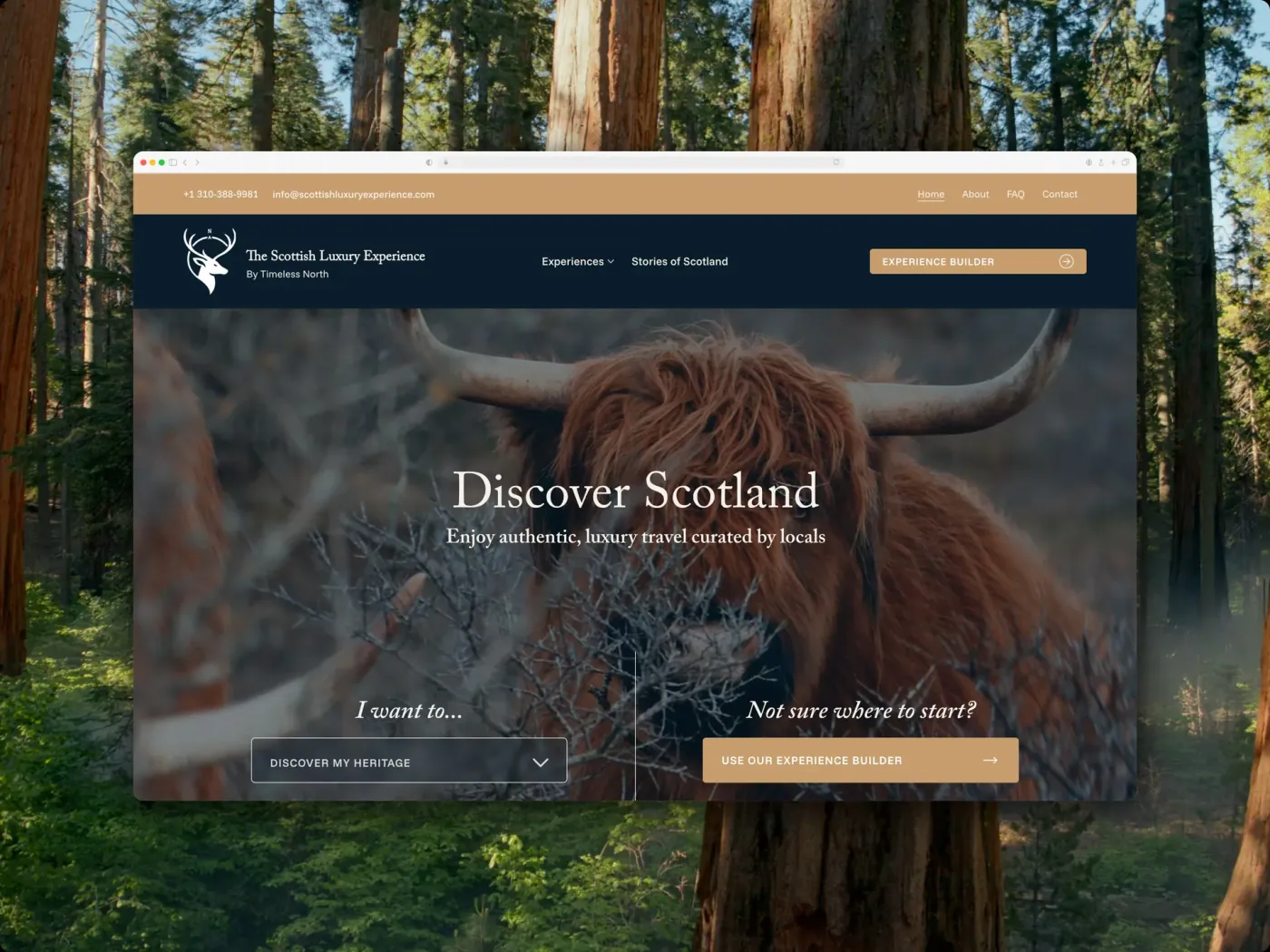
Knode AI website
$10M USD
Currently raising
3 Weeks
Time-to-market
Knode AISaaS & tech

A premium Wix Studio SaaS site, built in three weeks, for a company raising a $10M Series A

Off Wix Classic onto a new Studio site in 3 weeks

They made an impression on me right from the beginning, it's incredibly easy to communicate with their team and even easier to work with them.
Gemma SoleGemma SoleGTM Manager - Knode AI
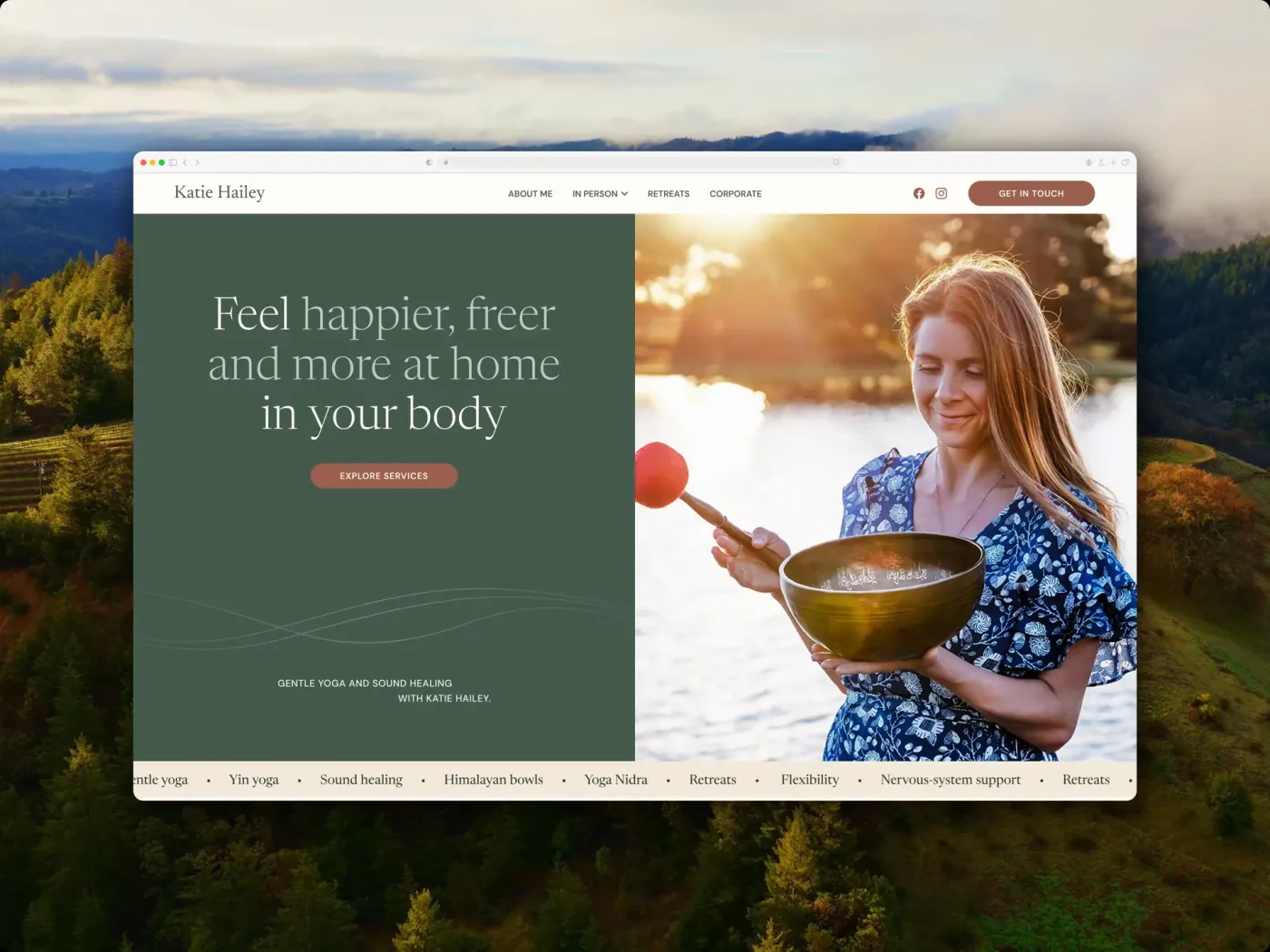
Katie Hailey website
1.5 weeks
Figma to launch
3
Systems handed over: CMS, CRM, events
Katie HaileyCoaches & speakers

From a finished Figma file to a live site in a week and a half

Yoga, sound healing, and retreat bookings for a UK practitioner

There are two ways to do this

This is the part almost nobody explains, because Wix's own help centre covers the routes in separate articles that never reference each other. Which one applies to you depends on your current plan.

Wix Editor sites on a Premium plan

Create a Studio version of your existing site

Wix creates a Studio branch alongside your live site. The branch shares the original's dashboard, so your business data is already there when you open it.

What that means in practice:

  • Products and contacts are already in place: Wix states the site's business tools and data are automatically available in the Studio version, so there's no CSV round trip for them.

  • Your live site keeps running: Creating the branch doesn't unpublish or affect the original, so there's no downtime and no gap in enquiries while you build.

  • The design still gets rebuilt: Wix is explicit that the design of the site is not carried over to the Studio branch, so this is not a conversion.

  • Publishing is one-way: Once you publish the Studio branch, Wix says you cannot go back and republish the original Editor branch. Plan the cutover as a decision, not an experiment.

  • Some apps can't come: Wix notes that some apps are unsupported in Studio and therefore cannot be added to the branch, so audit your app list before starting.

Any site, and often the better choice even when the branch is available

Build a fresh Studio site

A new Studio site with no relationship to the old one. Everything arrives by export and import, or gets rebuilt.

Why you'd choose this deliberately:

  • You want a clean structure: Inheriting a dashboard also means inheriting years of accumulated settings, and sometimes a fresh start is genuinely cheaper to maintain.

  • You're not on a Premium plan: The branch route requires one, so a site on a free plan takes this path by default.

  • You want the old site kept as a reference: A separate site leaves the original intact and unpublished, which is the only record of how a page was configured when something surfaces weeks later.

Already started one of these yourself? You don't have to restart. Send us the Studio version alongside your original site and we'll audit what's been rebuilt, find what's missing, and finish it. Which route you're on changes what you have to export, so it's the first thing to establish rather than something to discover mid-build. If you're not sure whether your site is eligible, that's checkable inside your Wix account in a couple of minutes and we'll do it with you on a call.

Not sure which route you're eligible for?

It's checkable inside your Wix account in a couple of minutes. We'll do it with you on a call and tell you which one is cheaper for your site.

What Wix Studio gives you that Classic can't

Studio is a different product, not a newer editor. These are the ceilings it removes, and the cases where staying put is the better call.

Worth moving
Your mobile view has drifted out of sync with desktop and every fix has to be made twice.
You're adding pages that follow a pattern, and building each one by hand is starting to hurt.
More than one person needs to edit, and Classic's single-editor workflow has become a scheduling problem.
The site needs to grow past what a fixed canvas holds.
Stay where you are
A five-page brochure site that works, ranks, and hasn't needed changing in a year.
A budget that covers the rebuild and nothing after it.
A members area you can't disrupt, until you've confirmed what happens to your list.
Wanting something newer. That isn't a reason, and you'll hear that from us on the call.

One distinction worth holding onto: a redesign changes how the site looks, a migration moves it while preserving the URLs, content, functionality and search visibility the business already depends on. A Classic to Studio project is usually both, and the migration half is what stops the redesign breaking what already works.

What carries across, and what gets rebuilt

Where the answer depends on which route you're taking, the row says so. Where it doesn't, it holds either way. Starting with the good news.

Carries over
Page URLs
Neither editor imposes a path structure, so a page at /about stays at /about and a tidy site needs almost no redirect work.
Carries over
Images, video and files
Your Media Manager is account-level, so everything you've uploaded is already there when the new site opens.
Carries over
Products and store catalogue
The branch shares the original's dashboard, so Wix states products are automatically available without an export.
Carries over
Contacts and CRM records
Same dashboard, same contacts. This is the single biggest practical advantage of the branch route.
Rebuilt
Products and contacts
On a separate site there's no shared dashboard, so both move by CSV export and import and any layered automations get re-applied.
Carries over
CMS collections
Collections export to CSV and import with field types intact, up to 50,000 items per file, which is why a site already on the CMS is far cheaper to move.
Carries over
Blog posts
Wix Blog runs on both editors and keeps the /post/ prefix, so post addresses survive unchanged.
Carries over
Existing 301 redirects
Whatever you've built up in the URL Redirect Manager exports and re-imports in CSV batches, so years of tidying aren't re-derived.
Carries over
Your domain
Reassigns inside your Wix account, so there's no transfer to another registrar and no DNS gap.
Rebuilt
Your Premium plan
Not a free carry-over: you upgrade the Premium plan to a Studio plan, and remaining value is credited pro rata when the original was bought in the same Wix account.
Rebuilt
Velo custom code
Backend and public files copy across as text and keep working; anything bound to a page element through the Properties and Events panel gets rewired by hand.
Rebuilt
SEO titles, descriptions and structured data
These are per-page settings rather than content, so they're re-entered and then diffed field by field against the old site before cutover.
Replaced
Apps and their configuration
Most apps carry, but Wix states some are unsupported in Studio and cannot be added at all, so the app list gets audited before anything starts.
Doesn't move
Page layouts
Wix states the design is not carried over on either route, and that's the point: the rebuild is what buys you layouts that adapt rather than layouts positioned twice.
Doesn't move
The ability to go back
Once the Studio branch is published, Wix states the original Editor branch cannot be republished.
Replaced
Site members
Verify this one in your own account before committing. Wix names products and contacts as shared on a branch but doesn't enumerate the rest, and member lists definitively cannot move between separate sites.

The pattern underneath the rows: structured content moves, presentation gets rebuilt, and anything tied to a person's identity needs checking rather than assuming. If a row matters to your business, we check it against your actual account before quoting.

Not sure which of these apply to your site?

Send us the URL and we'll check your account, your app list and your page count before you commit to anything.

How the move runs

Seven stages, and the domain only moves at the very end of the last one.

Step 01

Decide what's worth carrying

1 day

The call that sets the budget, so it happens before anything gets built. The question is whether your search equity sits in a handful of pages or spreads across dozens.

What that means in practice:

  • Pull the ranking data: Export every URL from Search Console with its impressions, clicks and average position over the last twelve months.

  • Find the pages with links pointing at them: A page earning inbound links is worth carrying even when its traffic looks unremarkable.

  • Separate earners from archive: Most Classic sites have a short list of pages doing the work and a long tail nobody reads, and the split decides the shape of the project.

Step 02

Crawl and inventory

1 to 2 days

Every live URL exported with its traffic, position, inbound links and current metadata. Classic sites accumulate pages nobody remembers publishing, and this is where they surface.

The inventory captures:

  • Every indexable URL: Including the ones that never appear in your menu, which is usually where the surprises are.

  • Current per-page metadata: Titles, descriptions, canonicals and Open Graph images, because these are the things that don't travel with the content.

  • App and integration inventory: Bookings, Stores, Events, forms and anything third-party, each with its configuration noted rather than assumed.

Step 03

Design the structure and the CMS

2 to 4 days

The stage that justifies the whole exercise. Anything repeating on the old site gets modelled as a collection, so publishing becomes filling in a form rather than building a page.

Where the gain comes from:

  • Repeating pages become collections: Services, locations, properties, team members: define the pattern once and the twentieth entry costs what the second did.

  • A flat structure gets a hierarchy: Bel'Istria went from a few pages competing for everything to one page per service cluster, and that restructure is where the 257% impression growth came from.

  • Global styles get set before anything is built: Text themes, colour and spacing defined once, so a brand change later is one edit rather than forty.

Step 04

Build in Studio

1 to 3 weeks

Responsive layouts with real breakpoints, collections populated from the CSV exports, apps reconfigured. You review a working site on a staging URL from your own phone, not a slide of screenshots.

What you get to look at:

  • Real content, not placeholder: Collections are populated during the build so you're reviewing your actual pages rather than a design mockup.

  • A timeline that scales with the site: A tight brochure rebuild runs closer to a week and a half; ten pages with a CMS behind them is nearer three weeks.

Step 05

Move the content and the metadata

2 to 5 days

Copy, posts and every per-page SEO field transferred, then checked against the stage-two inventory rather than eyeballed.

Checked field by field:

  • Titles and meta descriptions: Exported from the old site and diffed against the new one, field by field.

  • Canonicals, Open Graph and structured data: Re-entered and verified, since none of it travels with the content it describes.

  • Any URL that changed: Added to the redirect map now, while the inventory is open, rather than discovered after launch.

Step 06

Cut over

1 day

Domain repointed and Premium plan reassigned from inside your Wix account. One afternoon, not a state the business sits in for a month.

The cutover sequence:

  • Redirects go up before the domain moves: Imported in CSV batches and tested line by line against the inventory, so no changed URL ever serves a 404.

  • Sitemap resubmitted, tracking reconnected: Search Console and analytics pointed at the new site the same day so the baseline isn't lost.

  • Every form and booking flow submitted for real: With real addresses, the same afternoon, because a silently broken enquiry form is the most expensive launch bug there is.

Step 07

Watch it land

30 days

Coverage and impressions checked daily for the first fortnight, then weekly. This is the stage most quotes leave out, and it's the one that decides whether a migration held.

What's monitored:

  • Index coverage: Anything that drops out of the index or starts 404ing gets fixed inside the window at no extra cost, and the price was fixed before any of it started.

  • Position and impressions against the baseline: Compared with the stage-two inventory, so a drift is caught in week two rather than noticed in month three.

100+
Projects shipped
5.96x
Average ROAS
€1M+
Client revenue generated

10+ brands shipped as MOD Digital's build partner

Zenith redefined what hard work means to me. They treat every website project with pride, enthusiasm and extreme passion.
Flynn BlackieFlynn BlackieDirector - MOD Digital

Rated on Trustpilot

Knode AI
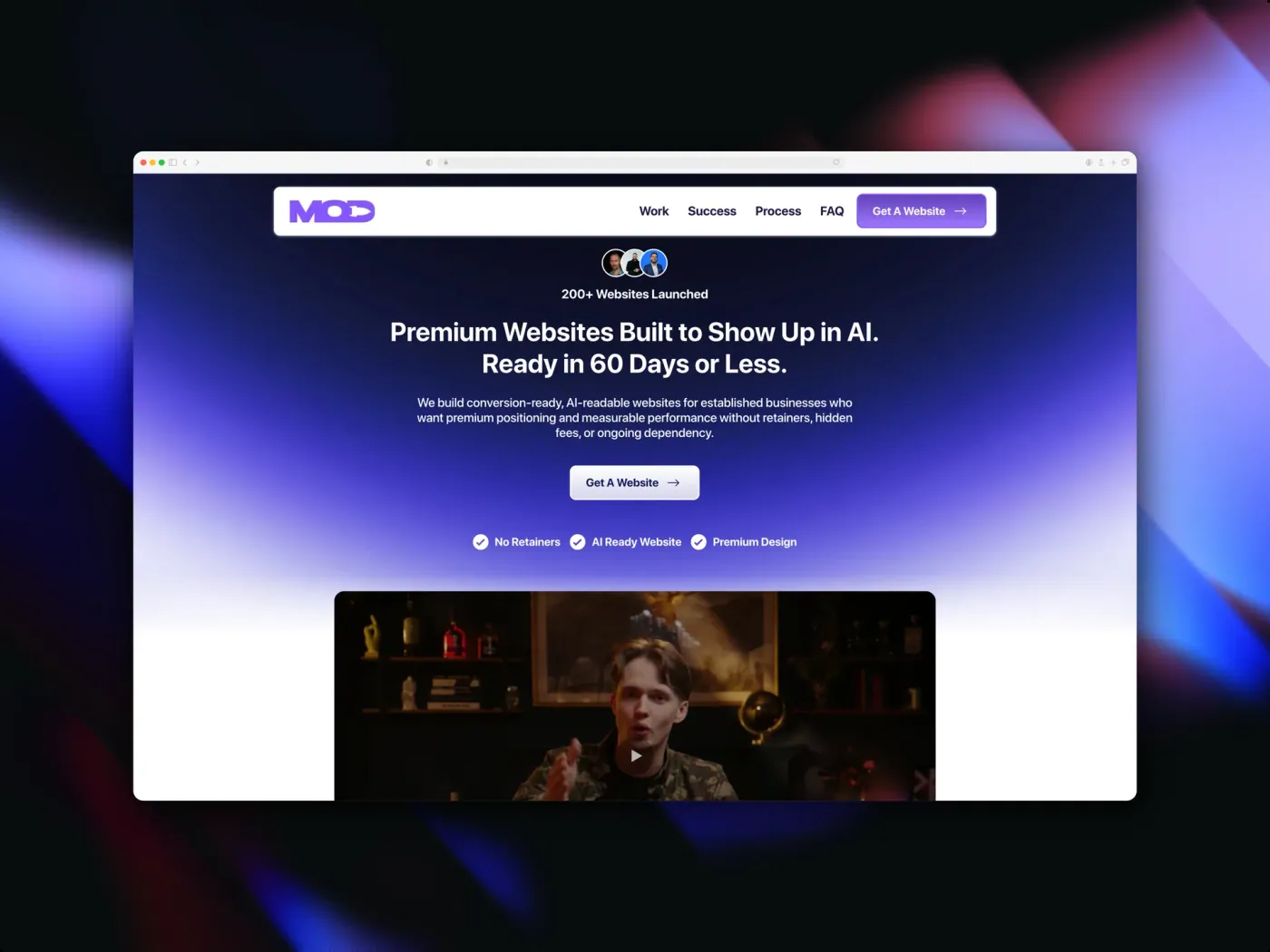
MOD Digital
Capacity
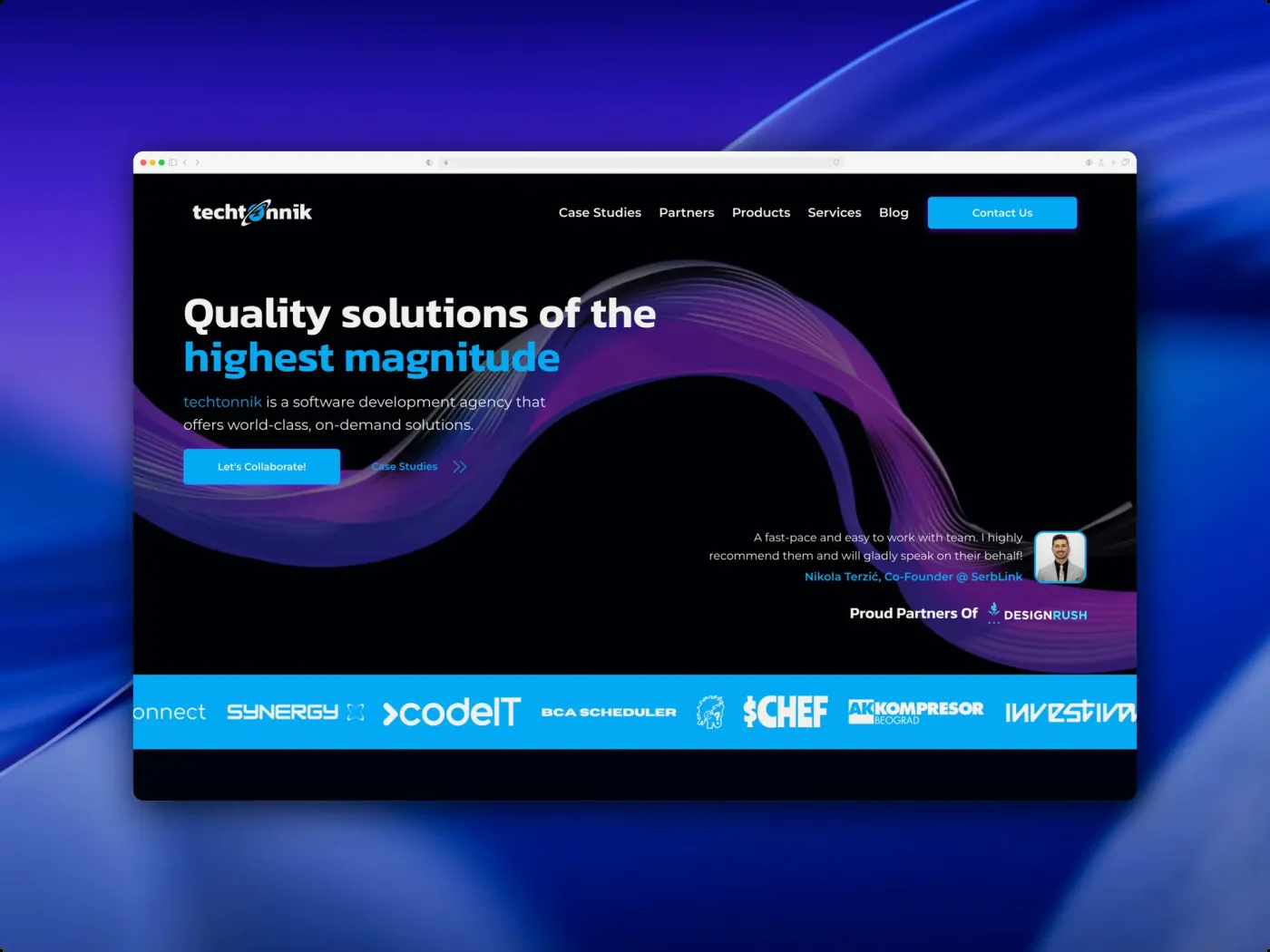
Techtonnik
Genroks AI
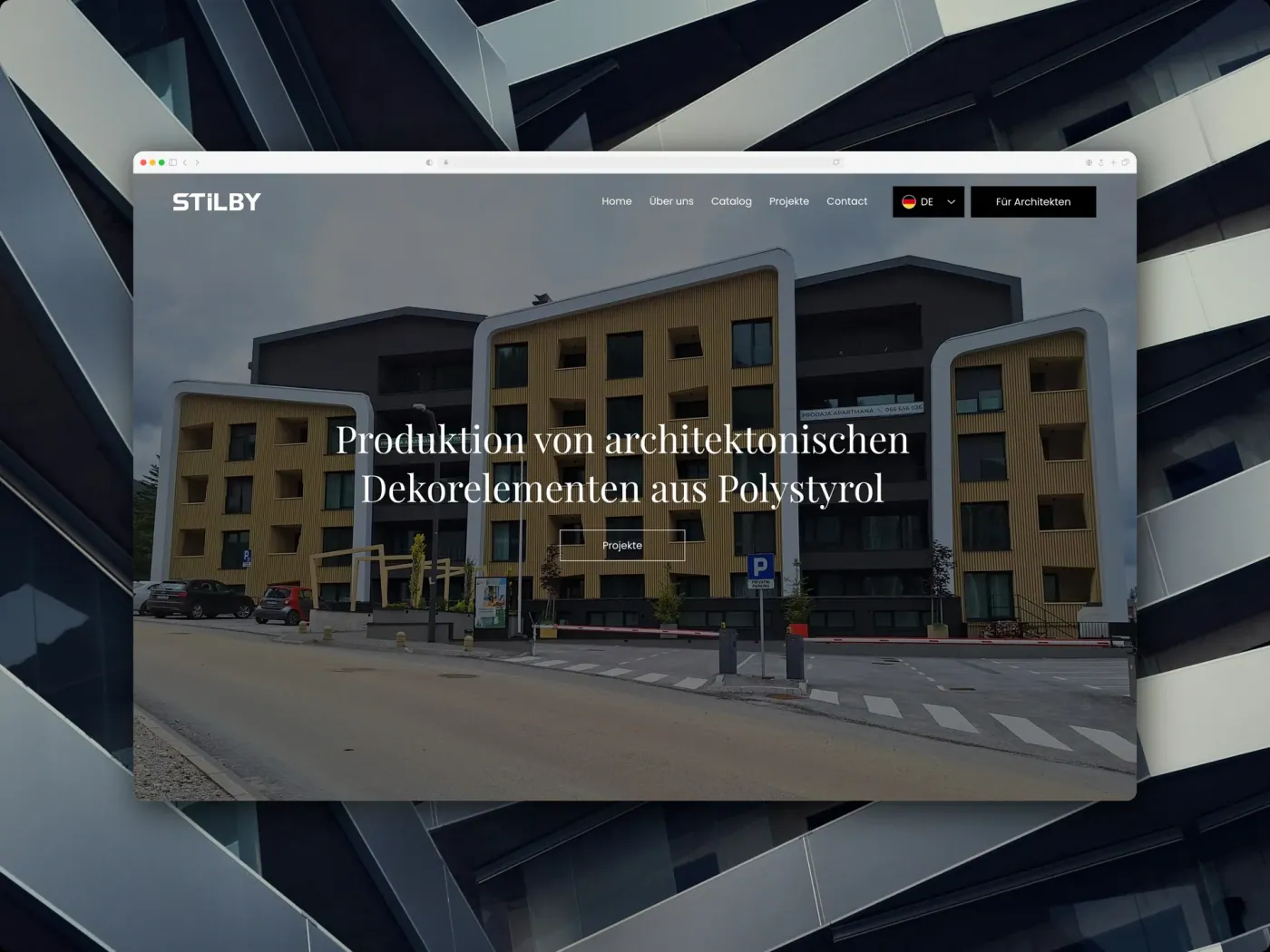
Stilby
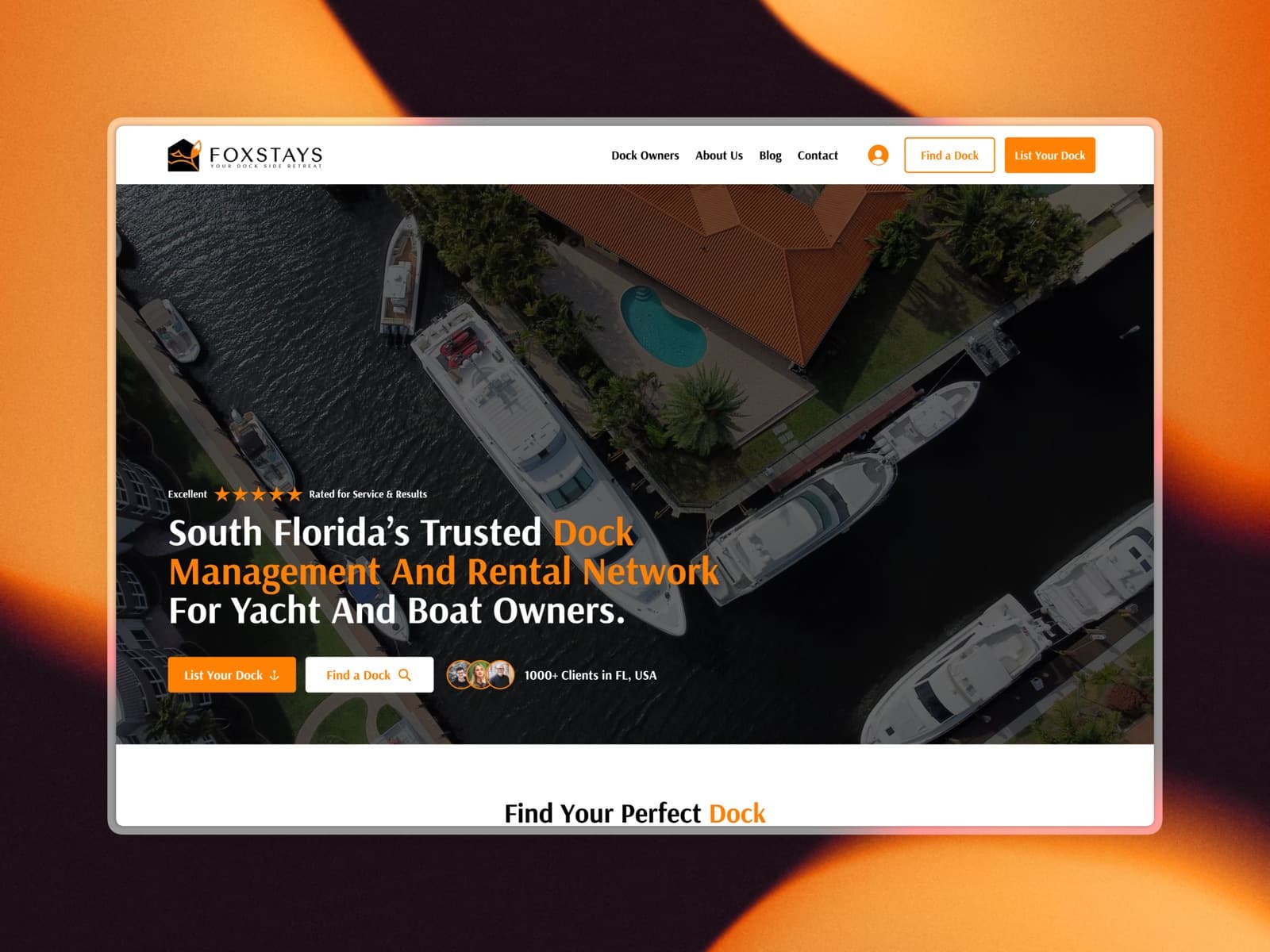
FoxStays
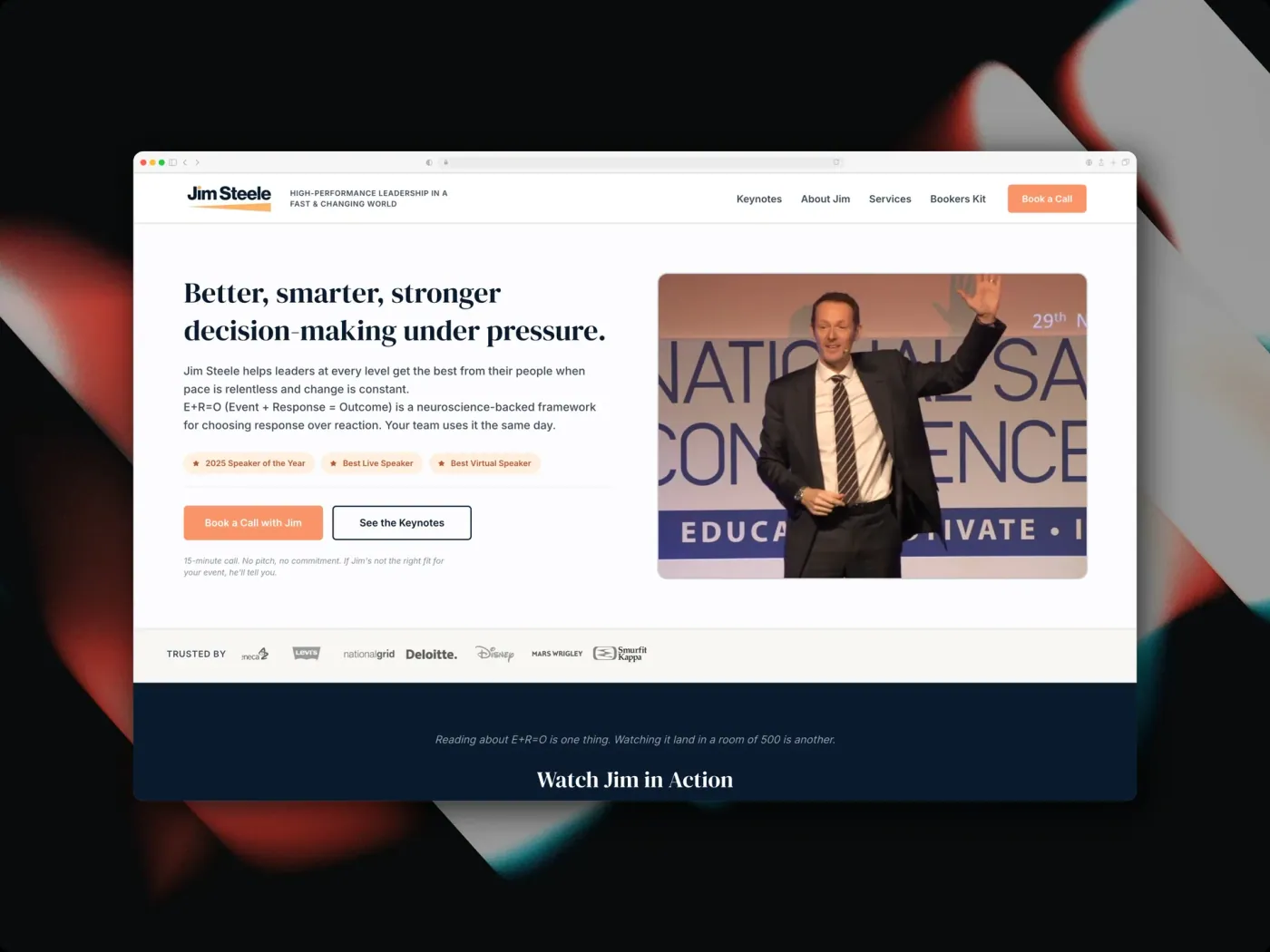
Jim Steele
AdVantage
Fox Energy
NOTYOU
Kema Coatings
Empyrean Global
LMF HR
BoomBoom Creatives
Just Stay
Creatify Collective

Not sure if your Classic site is worth carrying?

Send us the URL. We'll tell you which pages are actually earning, whether they're worth mapping across, and what the rebuild would cost either way.

Transparent, fixed pricing

Fixed scope, fixed price, fixed timeline. No retainers, no licensing traps, no surprise invoices.

Book a call

The Minimum

A clean, credible build for businesses that need to launch fast.

From €1,750

one-time · 2-week delivery

Book a call

Core functionality

  • Up to 5 pages
  • Wix Studio design & build
  • Mobile responsive
  • Basic on-page SEO
  • 1 round of revisions
Most popular

The Studio

Prestige design, custom functionality, and the full SEO and copy stack, handled.

€3,750

one-time · 5-week delivery

Book a call

Everything in The Minimum, plus:

  • Up to 12 pages
  • Custom functionality & CMS
  • Integrations & automations
  • Full SEO, GEO & copywriting
  • 3 rounds of revisions

The Zenith

A long-term partnership: growth retainers, ads, SEO campaigns, and ongoing builds.

Custom

monthly · Ongoing

Talk to us

Everything in The Studio, plus:

  • Dedicated design & dev team
  • Growth retainer & ad campaigns
  • Ongoing SEO & content
  • Priority support & SLAs
  • Unlimited revisions

Wix Classic to Wix Studio,answered

The questions that come up on every one of these calls, including the ones with unwelcome answers.

The site is rebuilt in Studio rather than converted, because the two editors use different layout engines. In practice that means: inventory the current site's URLs and rankings, decide which content is worth carrying, model the repeating pages as CMS collections, build responsively in Studio on a separate site, move the content and per-page SEO settings, then repoint the domain and import the redirects. Your Classic site stays live throughout and the switch itself takes an afternoon.

For a site that needs to grow, yes, and for specific reasons rather than because it's newer. Studio lays out responsively with breakpoints instead of maintaining a separate mobile version, so you stop fixing everything twice. Its CMS turns repeating pages into collections, so the twentieth service page costs what the second did. Global styles mean a brand change is one edit. Multiple people can edit with real permissions. If your site is five static pages that never change, none of that pays back and Classic is fine.

Not if the move is handled properly, and this one starts from a better position than most migrations. Both editors run on Wix hosting and neither imposes a URL structure, so your page addresses can stay exactly as they are and there's often very little to redirect. The genuine risk is per-page SEO settings launching empty, since titles and descriptions don't travel with the content. Exporting the old metadata and diffing it against the new site before cutover is what prevents that. Bel'Istria moved 35+ pages off Classic and held every tracked ranking position through the 30-day monitoring window, with impressions up 257% year on year afterwards.

For a small site, yes. Studio is a Wix product and the build itself is approachable. The difficulty isn't opening the editor, it's everything around the site: URLs, per-page SEO settings, CMS content, forms, apps, Velo bindings and search visibility. As a rough guide: a three to five page brochure site is a reasonable DIY project. Ten to twenty pages is doable if you're methodical about the metadata. A CMS, a store, a members area, custom code, or more than fifty indexed URLs each move it firmly into territory where a mistake costs more than the help would have. The single best predictor is organic traffic: if the site earns you enquiries today, the risk isn't the rebuild, it's what you can't diagnose after launch.

Mostly no, and that makes this move lower risk than leaving Wix altogether. Both editors run on Wix hosting and neither imposes a path structure, so a page at /about stays at /about and a tidy site often needs almost no redirect work. Compare that with leaving Squarespace or WordPress, where the platform's own conventions guarantee a full redirect map. The exceptions are blog posts, which keep the /post/ prefix on both editors so they survive unchanged, and anything you deliberately restructure, which gets a permanent redirect to its nearest new address. The risk on this move isn't broken links at all: it's per-page SEO settings launching empty, because titles and descriptions don't travel with the content. That's why the old metadata gets exported and diffed against the new site before the domain moves.

From €1,750, quoted as a fixed price before the work starts. The number moves on whether you're carrying content across or starting fresh, how many pages hold search equity worth mapping, how much repeating content becomes CMS collections, and how much configuration sits inside apps like Bookings or Stores. A brochure rebuild sits at the bottom of that range.

Two to five weeks from kickoff to launch for most sites, followed by 30 days of index monitoring. A tight brochure rebuild can run a week and a half. A larger site carrying content across with a full URL map runs longer: Bel'Istria's 35+ page move took eight weeks end to end. Your existing site stays live for all of it.

Not as-is. You upgrade your existing Premium plan to a Wix Studio plan, and Wix credits the remaining value of the old plan against the price of the upgrade, calculated pro rata across the days left in your subscription. That credit only applies when the original plan was bought in the same Wix account as the Studio site. Your domain is simpler: it reassigns inside your account with no registrar transfer, which is why the old site can keep serving traffic right up to cutover.

They have to sign up again. Wix doesn't allow member lists to be exported or imported between sites and states the reason is privacy, so there's no way around it. If you run a real members area, plan for it: a heads-up email before cutover and a re-registration prompt after. Your contacts are different and do move, by CSV export and import.

Find out whether you're carrying or starting fresh

Send us your Wix Classic site. We'll tell you which pages are actually earning, whether they're worth mapping across, and what the rebuild would cost either way. Free, and useful even if you decide to stay put.