

Wix vs Wix Studio: what's different, and which one you need

Wix Studio is not a premium tier of Wix. It is a separate product with its own editor and its own plans, built for agencies and professionals. Which one your site sits on decides who can edit it and what it can grow into.
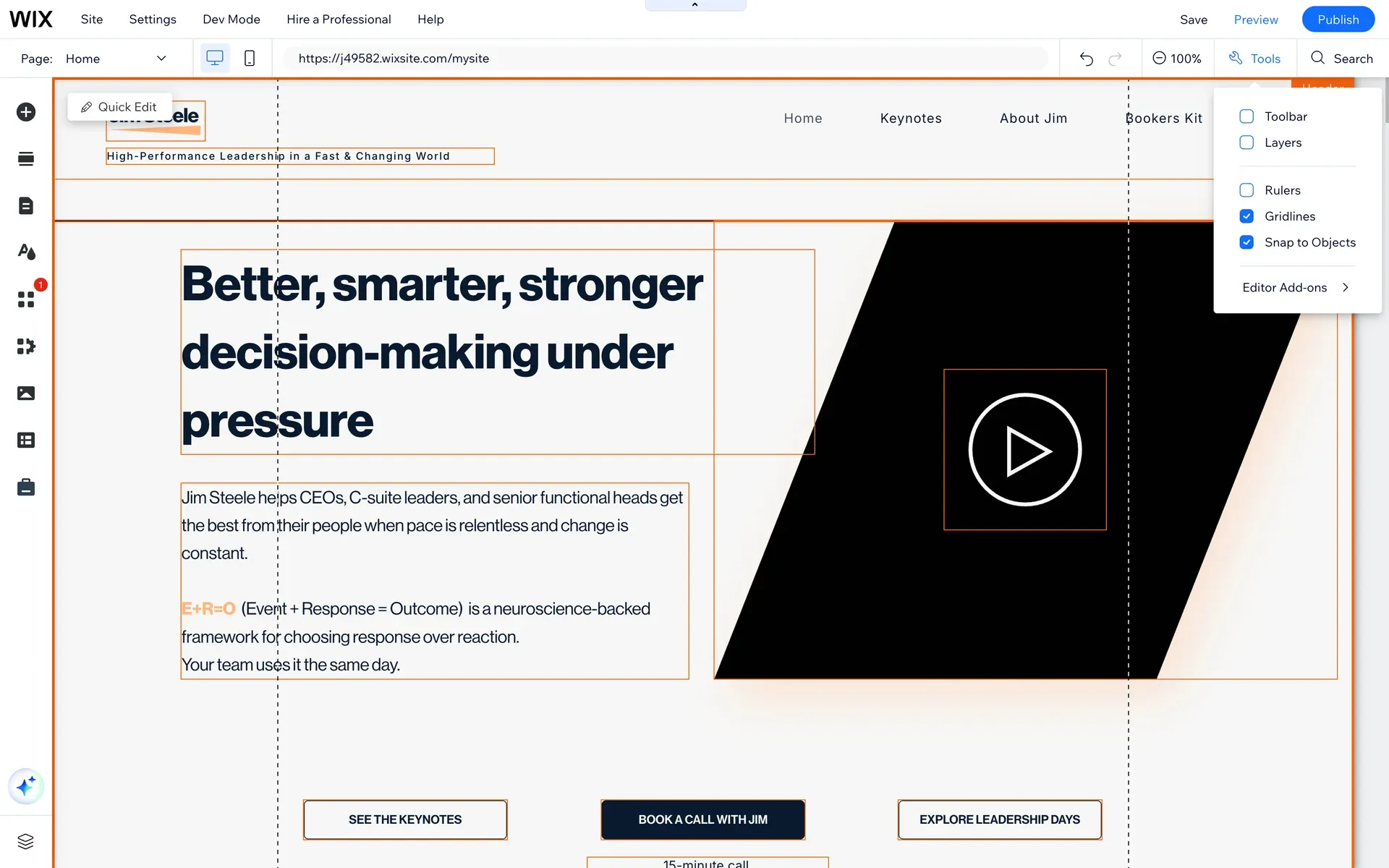
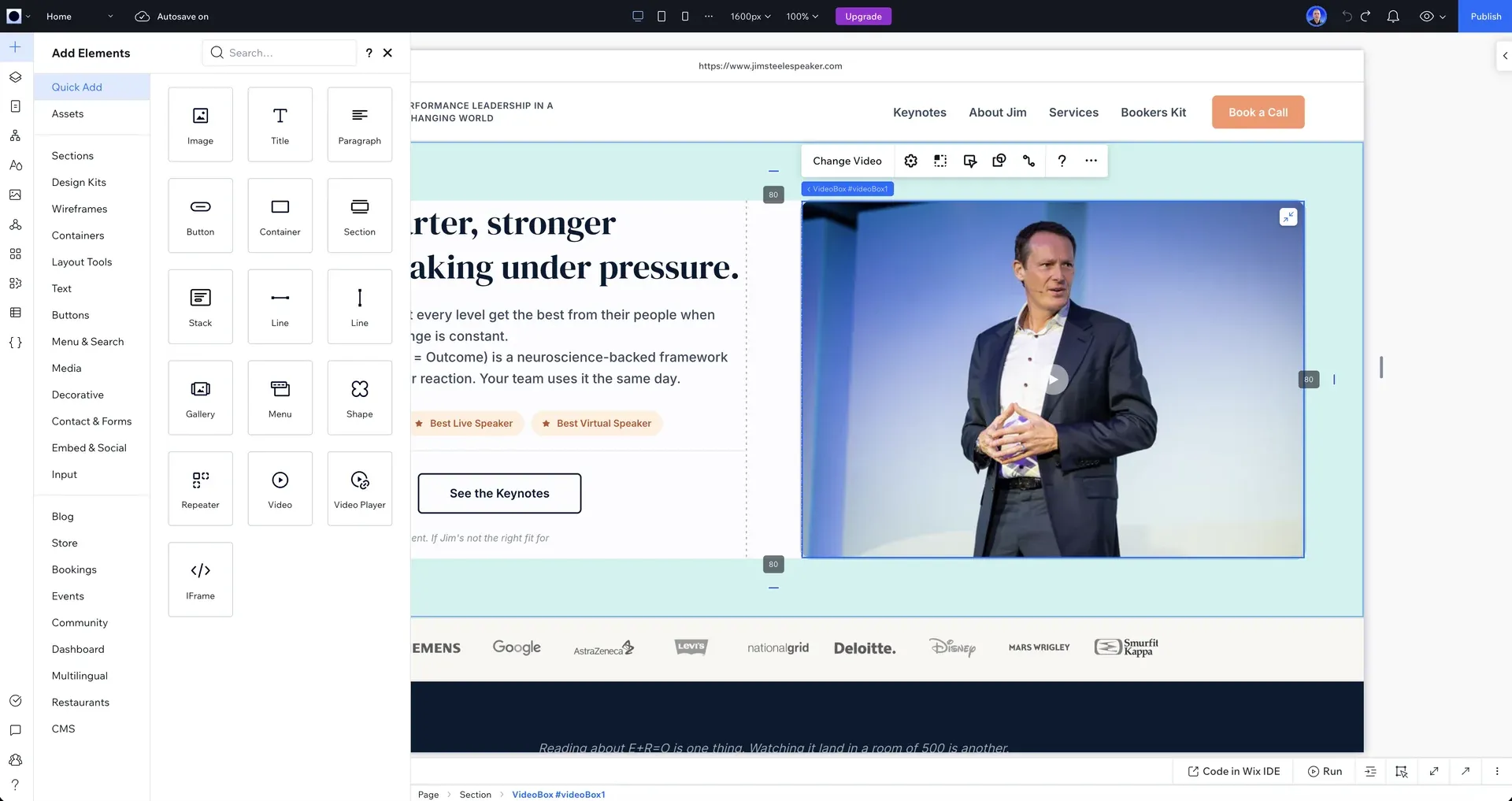
Wix and Wix Studio are two different products from the same company, not two tiers of one product. Wix is the consumer builder: you sign up, pick a template, and build your own site in the standard Wix editor. Wix Studio is a separate platform Wix launched for agencies and web professionals, with its own editor, its own responsive engine, and its own plan structure. A site built in one does not open in the other.
The distinction matters because the two products have different ceilings. This article covers what actually differs, which product fits which situation, and what to check if you already have a Wix site and are wondering whether Studio is worth moving to.
Who this is for
Business owners who have heard both names and are not sure which they have, which they need, or whether the difference justifies a rebuild. If you already know you want to move an existing Wix site to Wix Studio, the mechanics live in our migration guides rather than here.
The two products, side by side
| Wix | Wix Studio | |
|---|---|---|
| Built for | People building their own site | Agencies and web professionals |
| Editor | The standard Wix editor | The Studio editor, a separate tool |
| Responsive behaviour | Largely fixed layouts per breakpoint | Fluid scaling and per-breakpoint control |
| Plans | Wix premium plans | Separate Studio plans, US$12 to US$149 a month |
| Handover to a client or team | Single editing environment | Role-based access, shared workspaces |
| Moving between them | No conversion tool in either direction | A move is a rebuild, not a switch |
The last row is the one most articles skip. Wix documents no official conversion between the standard editor and Studio in either direction, so the choice is stickier than it looks. Wix's own overview of Studio is explicit that it is a separate platform for agencies and enterprises (Wix Studio, in Wix's documentation).
Where Wix Studio came from
Wix Studio launched in 2023 as the successor to Editor X, Wix's earlier professional platform, and Editor X was subsequently folded into it. That history explains the naming confusion: people who knew Wix five years ago remember one product and now meet three names. In practice the line to hold onto is simple. Wix is what you build yourself. Wix Studio is what a professional builds for you, and it is the platform every project at Zenith Digital ships on.
The differences that actually decide it
Four differences carry nearly all the weight in practice.
Responsive control: The standard Wix editor positions elements on a canvas and adapts them per device. The Studio editor works with fluid scaling and explicit breakpoint behaviour, which is why Studio sites hold together on screen sizes nobody designed for.
The CMS: Both products have a CMS, but Studio's editor is built around designing from structured content: repeating layouts, dynamic pages, and content your team edits without touching the design.
Who can safely edit it: Studio separates design control from content editing. A client team can update text, images and CMS items without being able to break the layout, which is the single biggest operational difference after launch.
Custom code: Both support Velo, Wix's development platform. Studio adds a professional workspace around it, which is what makes builds like a multi-seller marketplace viable natively.
What most people get wrong
The common assumption is that Wix Studio is the expensive version of Wix, so a small business should start on Wix and upgrade later. It is the wrong frame twice over. First, Studio plans start at US$12 a month, which is not the premium end of anything. Second, there is no upgrade path, because they are different products: a site built in the standard editor gets rebuilt to move to Studio, not converted. Starting on the consumer product to save money is how a business ends up paying for the same site twice.
We see the result of that assumption weekly: established businesses on the standard editor whose site can no longer do what the business needs. That situation has its own dedicated guide, moving from Wix Classic to Wix Studio, which covers what carries across and what has to be rebuilt.
Which should you choose?
Call it the ceiling test. Ask three questions about where the site will be in two years, not where it starts. Does content repeat, like services, properties, listings or articles that share a layout? Will someone other than the person who built it need to edit it safely? Will it need to do something structural later, like multilingual, search, filtering or member areas? Each yes points at Wix Studio, because each is a ceiling the consumer product hits earlier.
Three honest cases for plain Wix: a personal site or single-page project you are building yourself for close to nothing, a short-lived site for an event or launch, and a first test of a business idea that may not exist next year. In all three the ceiling never gets hit, and paying a professional would be the wrong spend. We tell people this on calls, and it costs us the work roughly as often as it wins it.
The trade-offs, stated plainly
Wix Studio's editor has a steeper learning curve, and that is not incidental: it is a professional tool. A non-technical owner who wants to build and run the whole site personally, design included, will move faster in the standard editor and should weigh that honestly. Studio's advantage arrives when design and day-to-day editing are done by different people, which is most established businesses. And neither product is the answer when a project genuinely needs custom application development, which is when we build fully custom instead.
Not sure which product your current site is on?
Send us the URL and we will tell you what it is built on, what its ceiling looks like for your plans, and whether moving is worth it. The audit is free and does not require a call.
Someone opens your site and records what they find. No automated score, no templated PDF with your logo dropped into it.
Conversion leaks, search and AI visibility, speed, design and trust, copy and positioning, and the order we would fix them in.
You get the walkthrough whether or not we ever work together. No pitch, no obligation, and it lands within 2 business days.
Sample site audit
62/100
18 issues foundPerformance score
Top findings
- Largest Contentful Paint over 4s
- Missing meta descriptions on 9 pages
- No structured data for search
The takeaway
Treat Wix and Wix Studio as two products and the decision gets easy. Building it yourself for a simple, short-lived or experimental site: Wix. A business site with repeating content, multiple editors or structural ambitions: Wix Studio, built properly once. What that costs is covered in how much a Wix Studio website costs, and what a professional build includes is on the Wix Studio website design service page.
Want this done on your own site?
We build and move websites on Wix Studio, and build custom when you outgrow it. Tell us what you're working with.
Questionspeople ask
If yours isn't here, ask it on a call. We answer in plain terms.
No. Wix Studio is a separate product from Wix, launched in 2023 for agencies and web professionals. It has its own editor, its own responsive engine and its own plans. A site built in the standard Wix editor does not open in Wix Studio.
There is no upgrade button or conversion tool. Moving a site from the standard Wix editor to Wix Studio is a rebuild: the content, brand and URLs carry over, the site itself is built new in the Studio editor. Our Wix Classic to Wix Studio migration guide covers exactly what carries and what does not.
Not meaningfully at the plan level. Wix Studio plans run from US$12 to US$149 a month, in the same range as Wix premium plans. The real cost difference is the build: Wix Studio is a professional tool, so most Studio sites are professionally designed and built, which is a one-off project cost rather than a subscription.
Not always. If your content repeats, more than one person will edit the site, or you expect to need multilingual, filtering or member areas within two years, Wix Studio is the safer foundation. If the site is small, personal or experimental and you are building it yourself, standard Wix is the honest answer.
Editor X was Wix's earlier professional platform. Wix launched Wix Studio in 2023 as its successor and folded Editor X into it, which is why the two names are often confused. Wix Studio is the current professional product.
A free audit that actually tells you something
Drop your site in and we'll review it by hand, then send a short video walkthrough of the highest-impact fixes. No auto-generated PDF, no obligation.
Someone opens your site and records what they find. No automated score, no templated PDF with your logo dropped into it.
Conversion leaks, search and AI visibility, speed, design and trust, copy and positioning, and the order we would fix them in.
You get the walkthrough whether or not we ever work together. No pitch, no obligation, and it lands within 2 business days.
Sample site audit
62/100
18 issues foundPerformance score
Top findings
- Largest Contentful Paint over 4s
- Missing meta descriptions on 9 pages
- No structured data for search
Keep reading
More on the same thing, or the next thing worth knowing.
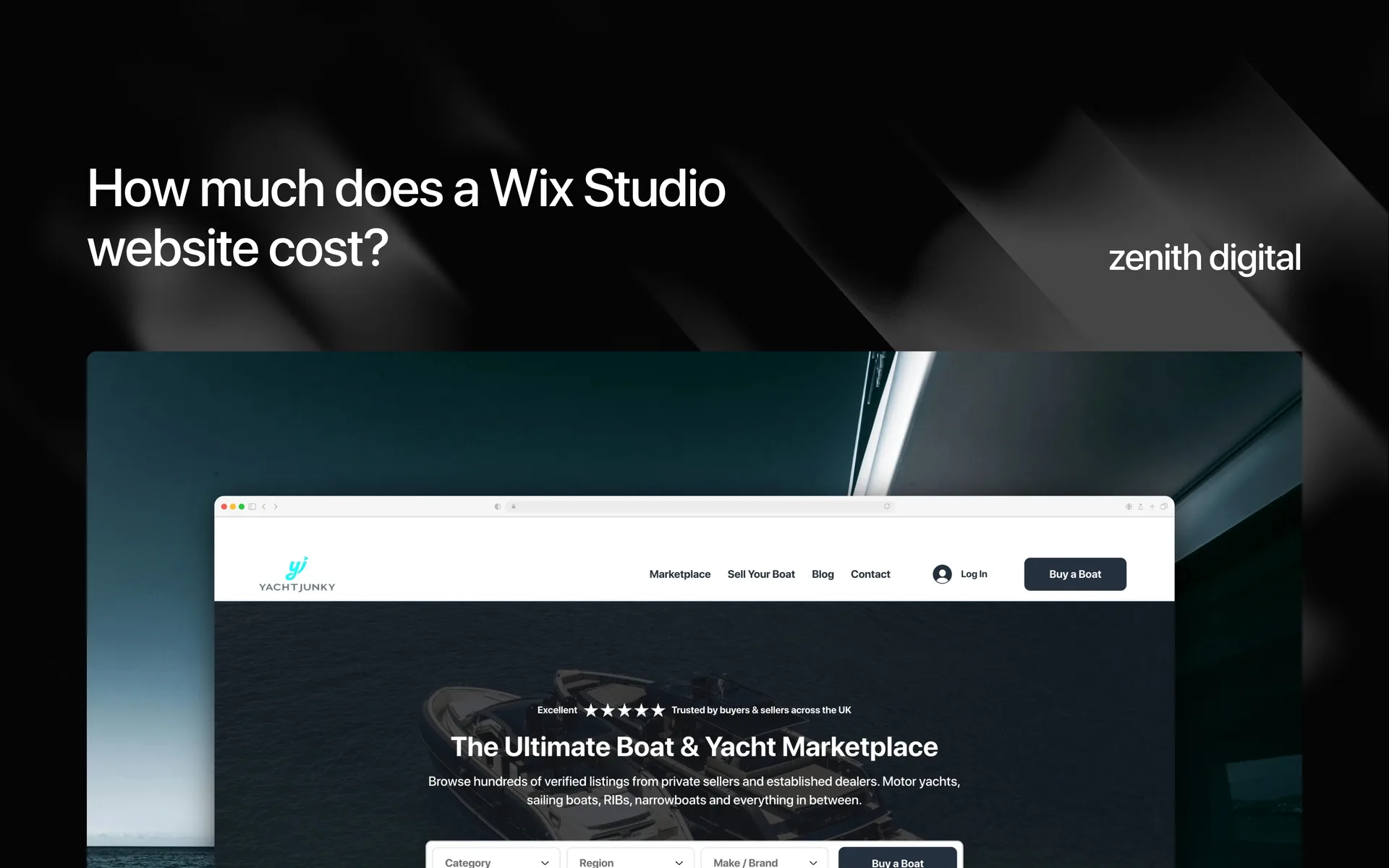
How much does a Wix Studio website cost?
Wix Studio plans run from US$12 to US$149 a month, and a professionally built site starts at €1,250. The plan is the small, predictable part. Here is what actually decides the number.
Read the post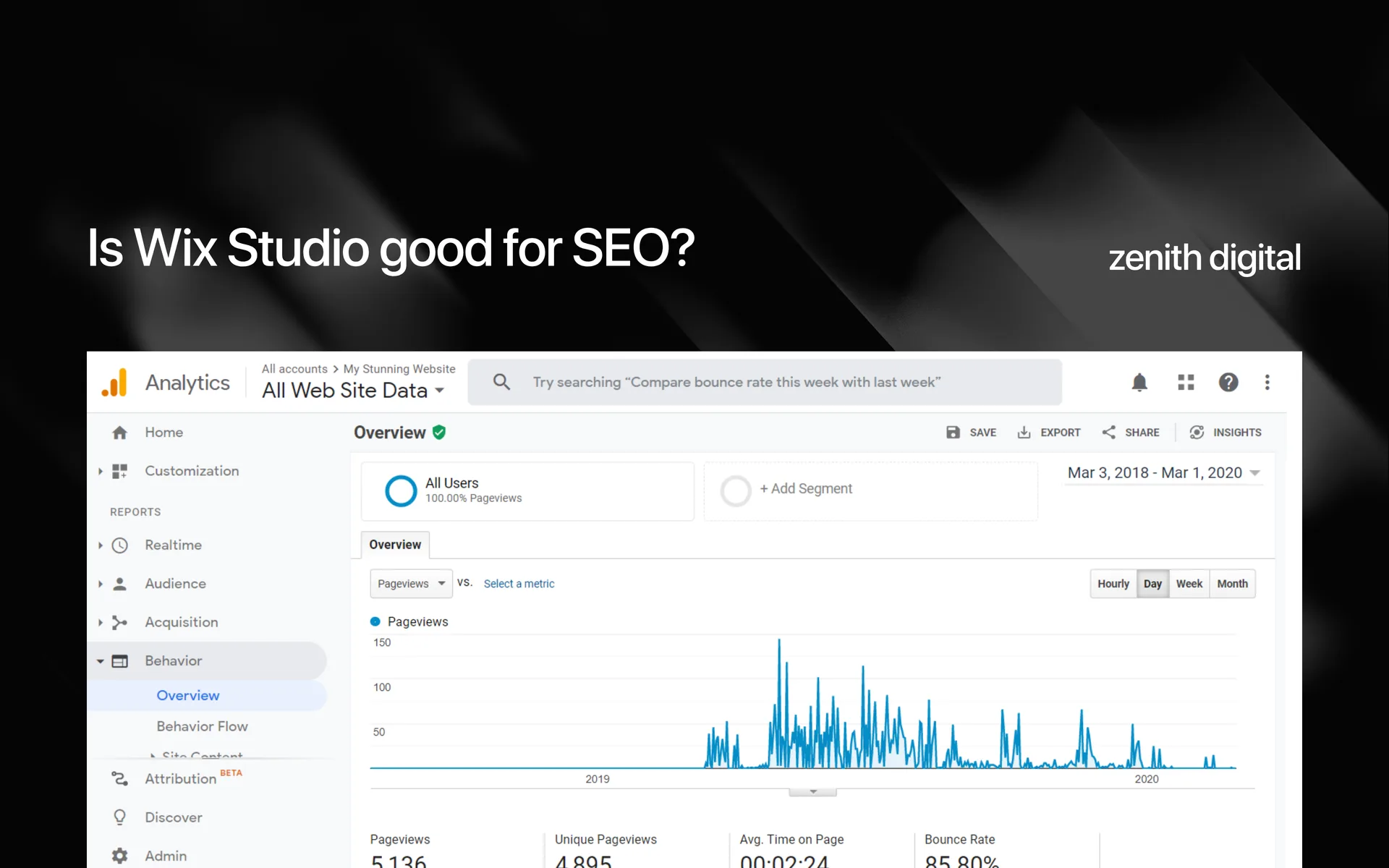
Is Wix Studio good for SEO?
Yes, and the platform stopped being the interesting part of that answer years ago. What decides whether a Wix Studio site ranks is its structure, its content and its proof, and those are yours to get right or wrong.
Read the post
Wix Studio vs Webflow: which should you build on?
Webflow changed twice in 2026: it retired the legacy Editor in August and restructured its plans in May. Neither change appears in any comparison currently ranking for this question. Here is what it means for the decision.
Read the postSources
Primary documentation behind the claims above, so you can check them rather than take our word for it.